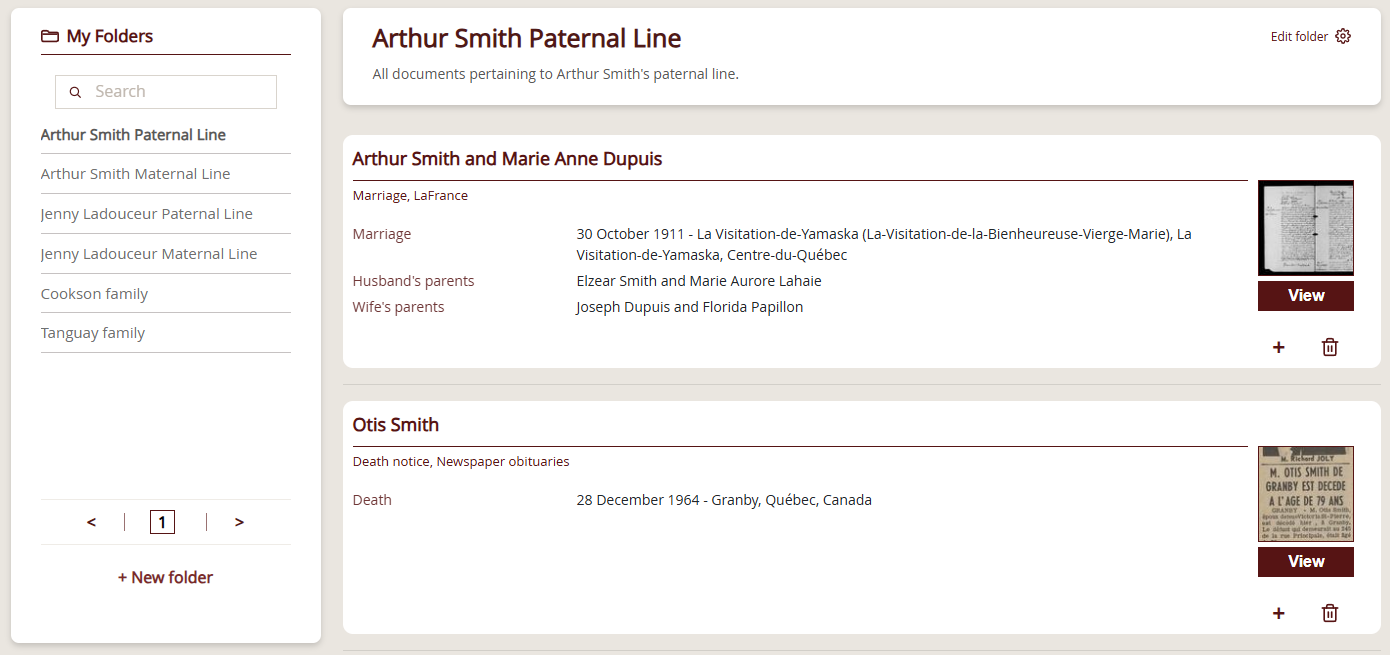
- My Folders opens from the menu under your username, in the top-right corner, once you are signed in to your account.
- You can change a folder’s name and description at any time, but deleting a folder cannot be undone.
- The same record can be saved to several folders, either from the record page or from My Folders.
- You can create up to 500 folders on your account, and each folder holds a maximum of 200 records.
- Your folders are private: other Genealogy Quebec members cannot access them.
My Folders let you save records you find on Genealogy Québec and organize them into custom folders.
Organize your finds your way: by person, family, place, parish, lineage, or research project.
Access My Folders
To access your folders, sign in to your account, then:
- Click your username in the top-right corner.
- In the drop-down menu, click My Folders.
Create and manage folders
Create a folder
- In My Folders, click + New folder.
- Enter a name and click Save.
Edit a folder and add a description
- Open the folder you want to edit.
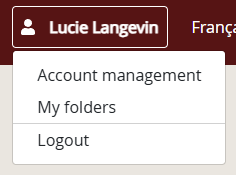
- Click Edit folder (gear icon).
- Update the name and/or add a description, and click Save.
You can change a folder’s name and description at any time.
Delete a folder
- Open the folder you want to delete.
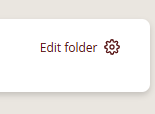
- Click Edit folder (gear icon).
- Click Delete folder, then confirm. This action cannot be undone.
Naming your folders
Use clear, descriptive folder names so you can find them quickly. You can name folders by person, family, region, parish, or lineage—whatever matches your workflow. Here are some suggestions:
- Tremblay family
- Descendants of Marie Gagnon
- Notre-Dame Parish (Montréal)
- Project: maternal line
- Louis Cyr
Save a record to a folder
From a record page
- Go to the page of the record you want to save.
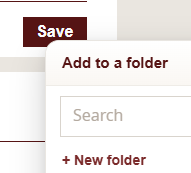
- Click Save, then select the folder you want. You can also create a new folder directly from this drop-down menu.
- You can save the same record to multiple folders.
From My Folders
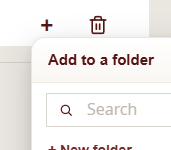
- In one of your folders, find the record you want to add to another folder, then click the + icon.
- The Add to a folder menu opens. Select the folder or folders you want to add the record to.
Remove a record from a folder
- Open My Folders and select the folder you want.
- Click the trash icon on the record you want to remove.
The record is removed from the current folder only.

Browsing My Folders
Find a folder
The search bar lets you search your folders by name—start typing to narrow the list.
Pagination and navigation
Up to 20 folders are shown at a time in the navigation panel.
Within a folder, up to 20 records are shown per page, in the order they were added (most recent first).
Limits
You can create up to 500 folders on your account.
A maximum of 200 records can be added to each folder.
Additional information and FAQ
Institutional access
My Folders isn’t available when you’re using the site through an institutional access (library, university, etc.).
Expired subscription
Even if your subscription has expired, you can still access My Folders and continue to manage and view your folders.
However, you’ll need to resubscribe to view the full record pages on the site—only the previews remain visible in your folders.
Privacy
Your folders are private and only visible within your account. Other Genealogy Quebec members can’t access them.
Legacy Tools
My Folders isn’t available in Genealogy Québec’s Legacy Tools. You can only save records found through the Global Search engine.
Frequently asked questions
You can still access My Folders and continue to manage and view your folders. However, you need to resubscribe to view the full record pages on the site, since only the previews remain visible in your folders.
Open My Folders, select the folder, and click the trash icon on the record you want to remove. The record is removed from the current folder only, so any other folders where you saved it are not affected.
Use clear, descriptive names by person, family, region, parish or lineage, whatever matches your workflow, such as “Tremblay family” or “Project: maternal line”. The search bar in My Folders then lets you find a folder by typing its name.
No. My Folders isn’t available in Genealogy Quebec’s Legacy Tools, so you can only save records found through the Global Search engine. The feature is also unavailable when you use the site through an institutional access, such as a library or university.